The challenge
We usually interact with AI through screens: typing, scrolling, tapping. But many people don't want more screen time.
How might we reframe how people interact with large language models through tangible, physical experiences?
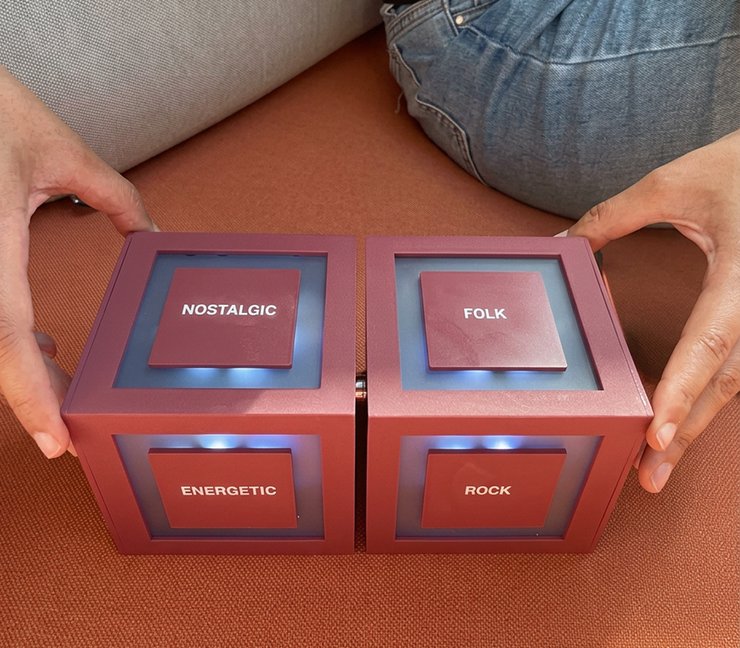
Cubit
Turn, connect, discover.
An interactive device of two cubes that uses AI to choose music from a mix of mood and genre, making AI something you can hold, share and explore.
We usually interact with AI through screens: typing, scrolling, tapping. But many people don't want more screen time.
How might we reframe how people interact with large language models through tangible, physical experiences?
Role: Team lead, hardware & software integration · Device design & electronics
Team: Ella Park · Maryam Safai Fard · Daniela Gómez
Duration: 2 weeks
Context: Tangible User Interface course, Interaction Design Programme, CIID, 2025/26. Led by José Chavarría and Massimo Banzi, co-founder of Arduino.
Tools: Arduino Uno R4 & Uno Q · Accelerometers · Magnets · LEDs · Wi-Fi · Claude API · Spotify API · 3D modeling & printing
Cubit is made of two cubes, one for mood and one for genre. Turn them to mix and match, and AI finds a song for that combination. Instead of asking for what you already know, you discover something unexpected, like a calm salsa or an energetic pop track you've never heard.
The user never writes a prompt; the object does.
Picture a party: instead of one person controlling the playlist on their phone, anyone can pick up a cube and change the mood.
How it works
Connect: Bring the two cubes together. Magnets detect the connection and turn Cubit on.
Turn: Rotate each cube to choose a mood and a genre.
Hold: Keep them still, and the music starts.
Separate: Pull them apart to turn it off.
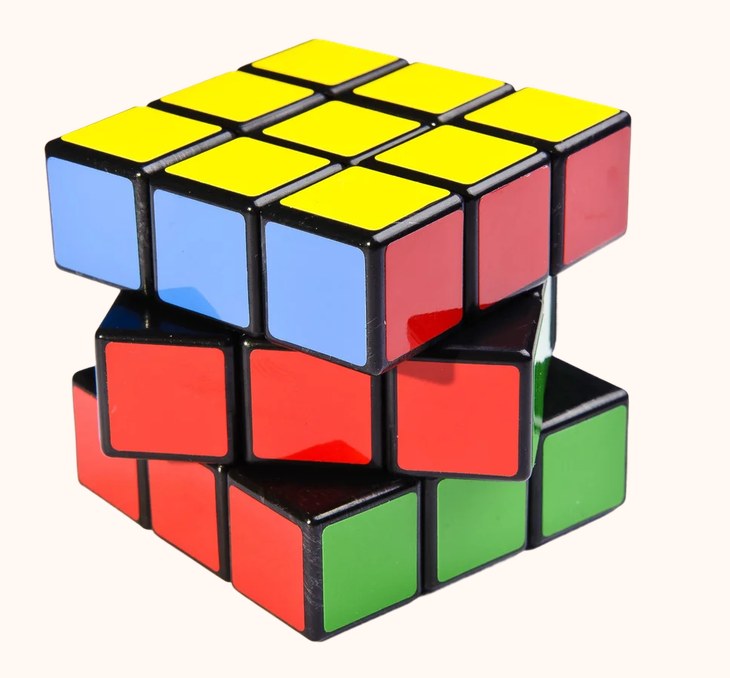
Rubik's Cube
Physical metaphor
Claude
AI model

One step at a time!
As a team of three, we had two weeks to learn a new technology and prove a concept. Our strategy was to build one thing at a time: first the interaction, then the form, then the electronics, and finally the full experience.
01 · One-hour prototype: exploring the interaction
We started with the interaction, not the technology. Using simple wooden blocks, we explored gestures for connecting and disconnecting two objects, and what each gesture could mean as a way to choose music.
02 · Low-fidelity prototype: finding the right size
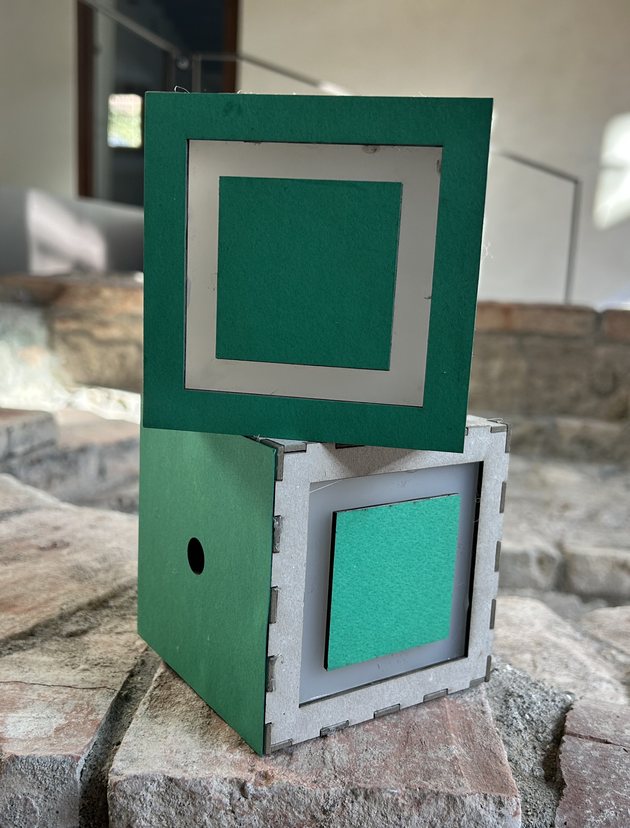
We built cardboard cubes to test scale and how they felt in the hand, while figuring out which components needed to fit inside. Each cube needed to be at least 10 cm to hold the electronics, and magnetic snaps were the most natural way to turn Cubit on and off.
03 · Works-like prototype: proving the concept
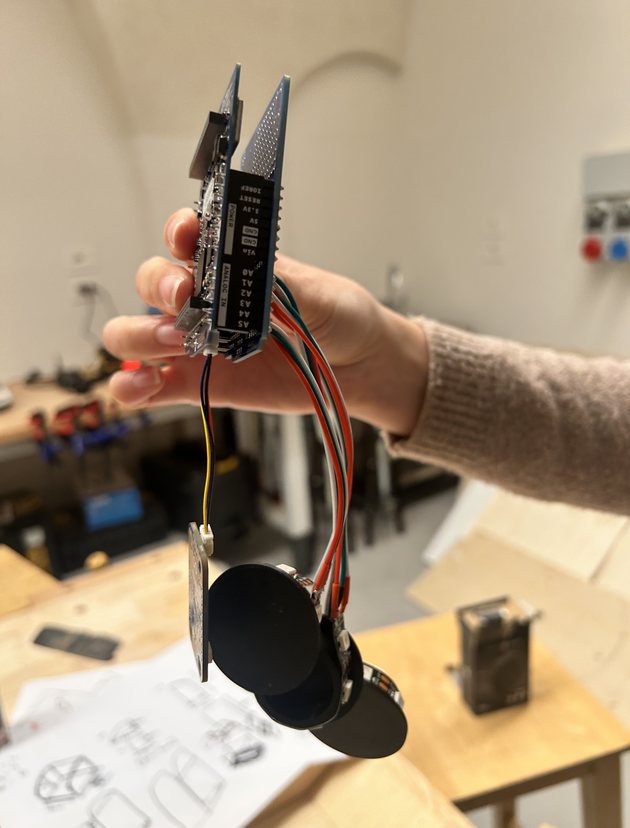
Working with accelerometers and the newly released Arduino Uno Q, we built a functional prototype that proved the core idea: turning two cubes could trigger an AI-generated music choice.
04 · Higher-fidelity prototype: from cardboard to 3D print
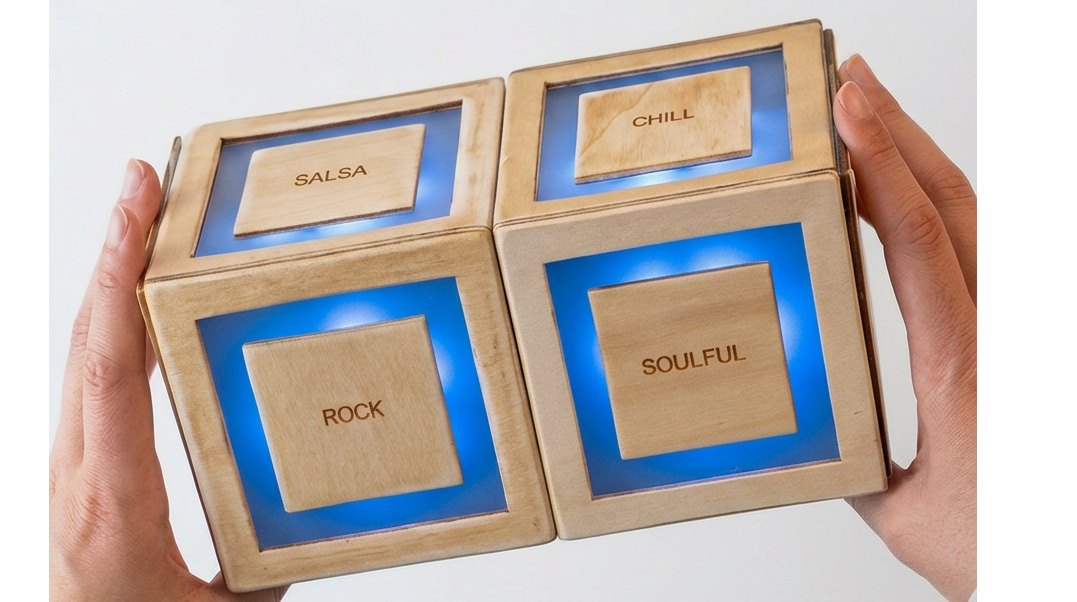
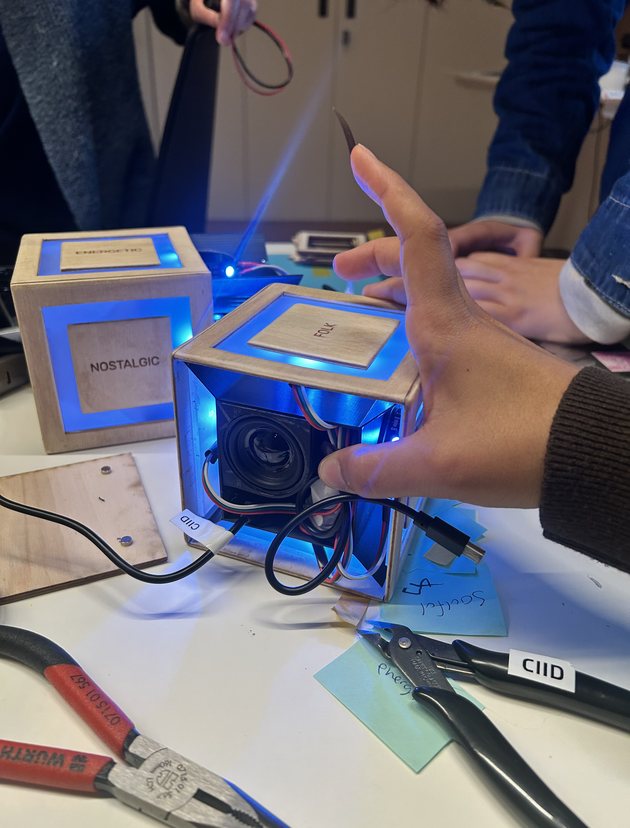
The enclosure evolved from cardboard to wood to a 3D-printed cube that holds all the electronics in a compact, finished form. It was my first time creating a 3D model from scratch, and it showed me why lower-fidelity prototypes matter: each one told us exactly what the final version needed.
Building on brand-new technology. We worked with the Arduino Uno Q, a recently launched board that combines a microcontroller and a microprocessor in one. There was almost no documentation, so every step, from setting it up to connecting it with the sensors and the internet, meant experimenting and figuring things out ourselves.
Using AI to solve complex coding problems. With little documentation to rely on, AI became our main partner for debugging and writing code. Learning to ask the right questions, test its suggestions and understand why something worked was a big challenge, and one of the most valuable learnings of the project.
Designing the prompt. The other challenge was the prompt itself. Early versions returned the most obvious song for each combination. We iterated so that each mood and genre pair produced results that felt accurate yet surprising.
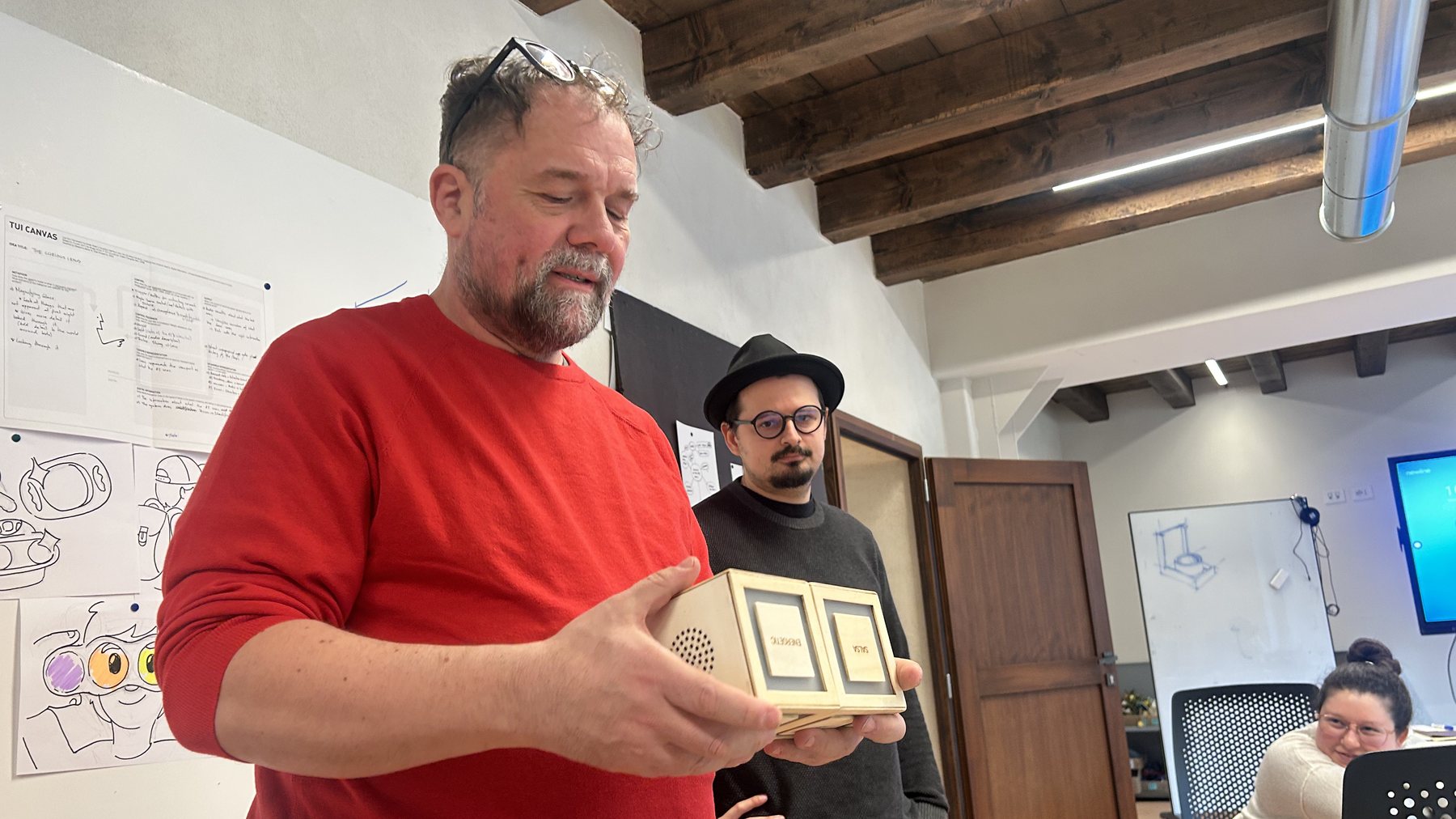
I led the team across the physical and software sides of the project, coordinating deliverables and making sure hardware and code came together. My main focus was device design and electronics: designing and 3D-printing the enclosure, fitting all the components into a very small space, integrating the sensors, using magnets as buttons, and adding lights for visual feedback.